There are two types of permissions within Optimizer:
-
Scoped: These are default permission the user automatically aquires if they are assigned to a particular object such as a Target, Kaizen or specific Task.
-
Global: These are default permissions, grouped into roles, that are assigned to specific users. Global permissions are typically reserved for higher level admin users
| Item | Scoped Role |
Where |
| Targets
|
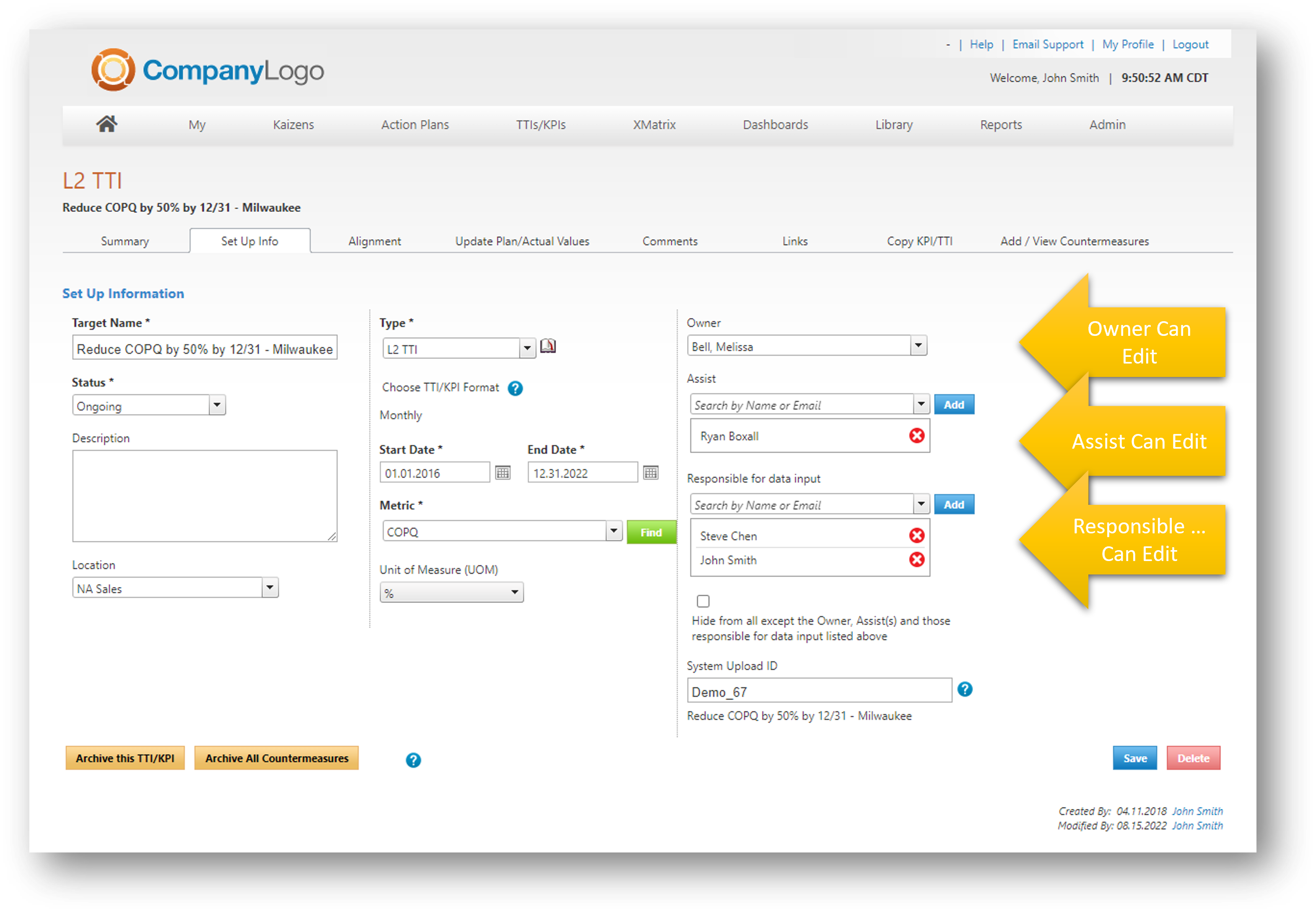
TTI/KPI edit permissions are determined by the roles assigned on the TTI/KPI Set Up Tab
Any user added as an Owner, Assist or Responsible for Data Input will have edit rights to that particular TTI or KPI
If the target is part of an XMatrix - the owner and assist roles will be automatically populated via the black/white dot assignment on the XMatrix - however they can be adjusted on the set up tab of the TTI/KPI.
Making changes to who can edit...
The owner, assist or person responsible for data input can also add additional names to those roles to provide edit rights. |
|
|
Action Plans
|
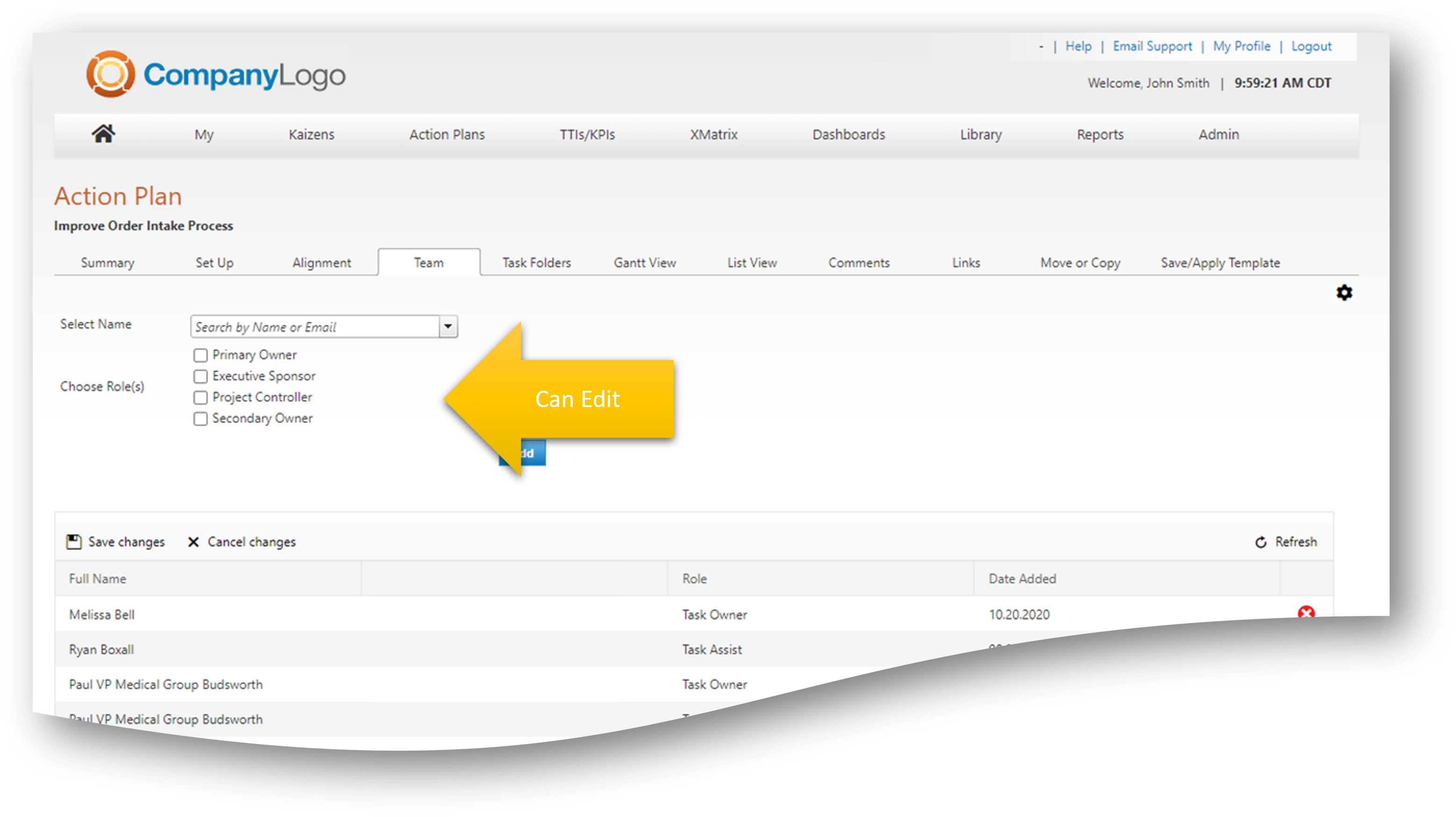
Action Plan edit permissions are determined by the roles assigned on the Team TAB
Any user added in any of the listed roles will have full edit rights to the Action Plan
If the action plan is part of an XMatrix, Primary and Secondary Owners are automatically populated via the black/white dots on the XMatrix.
Note: Additional roles for action plans can be configured va the Action Plan Roles Admin function with more limited or expanded permissions. |
|
|
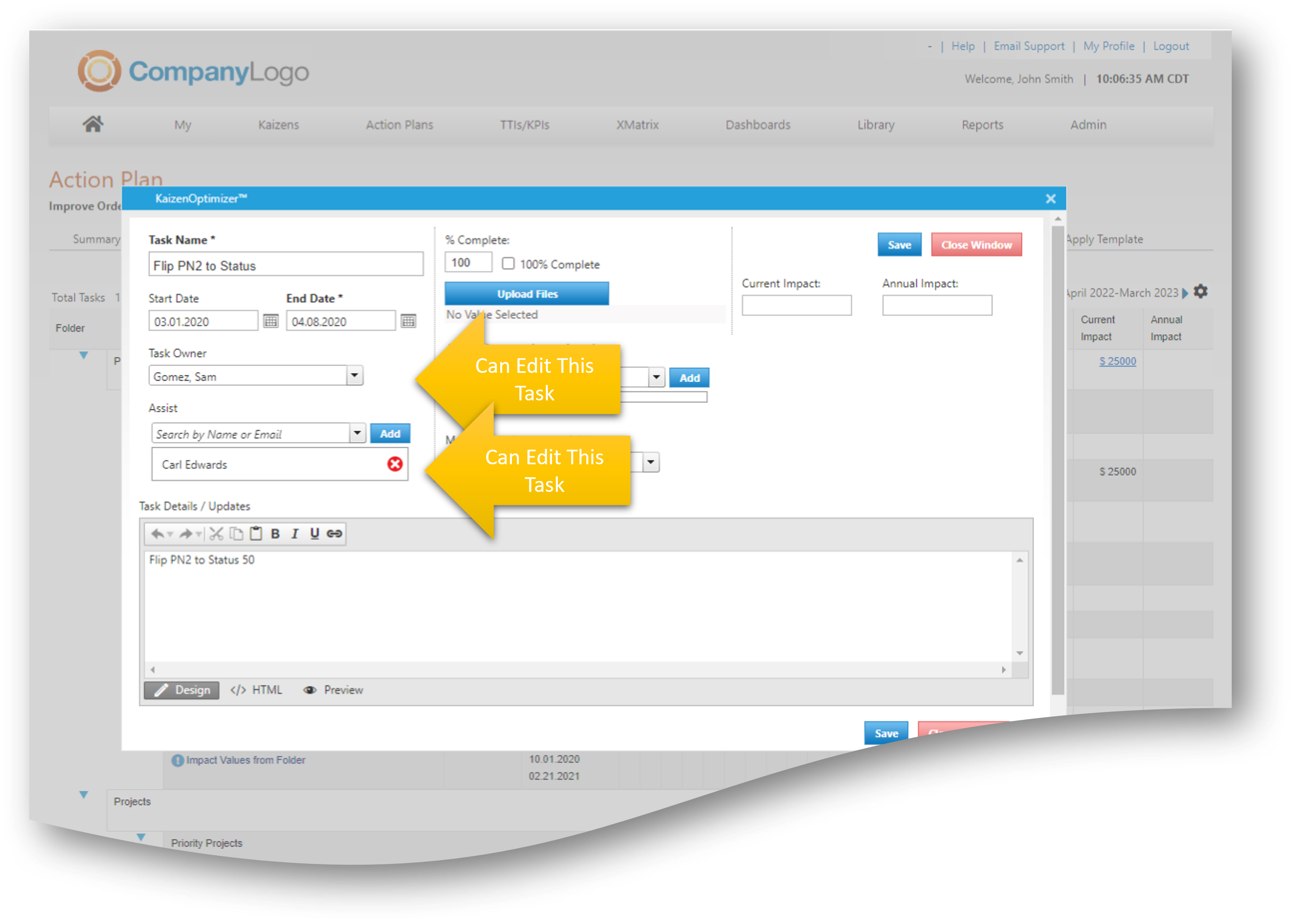
Action Plan Task Owners/Assists
Users who are added to action plans as either an owner or assist of a particular task, will be able to update that task ONLY.
Task owners/assists have no additional edit rights other than updating their own tasks.
|
|
|
| Countermeasures |
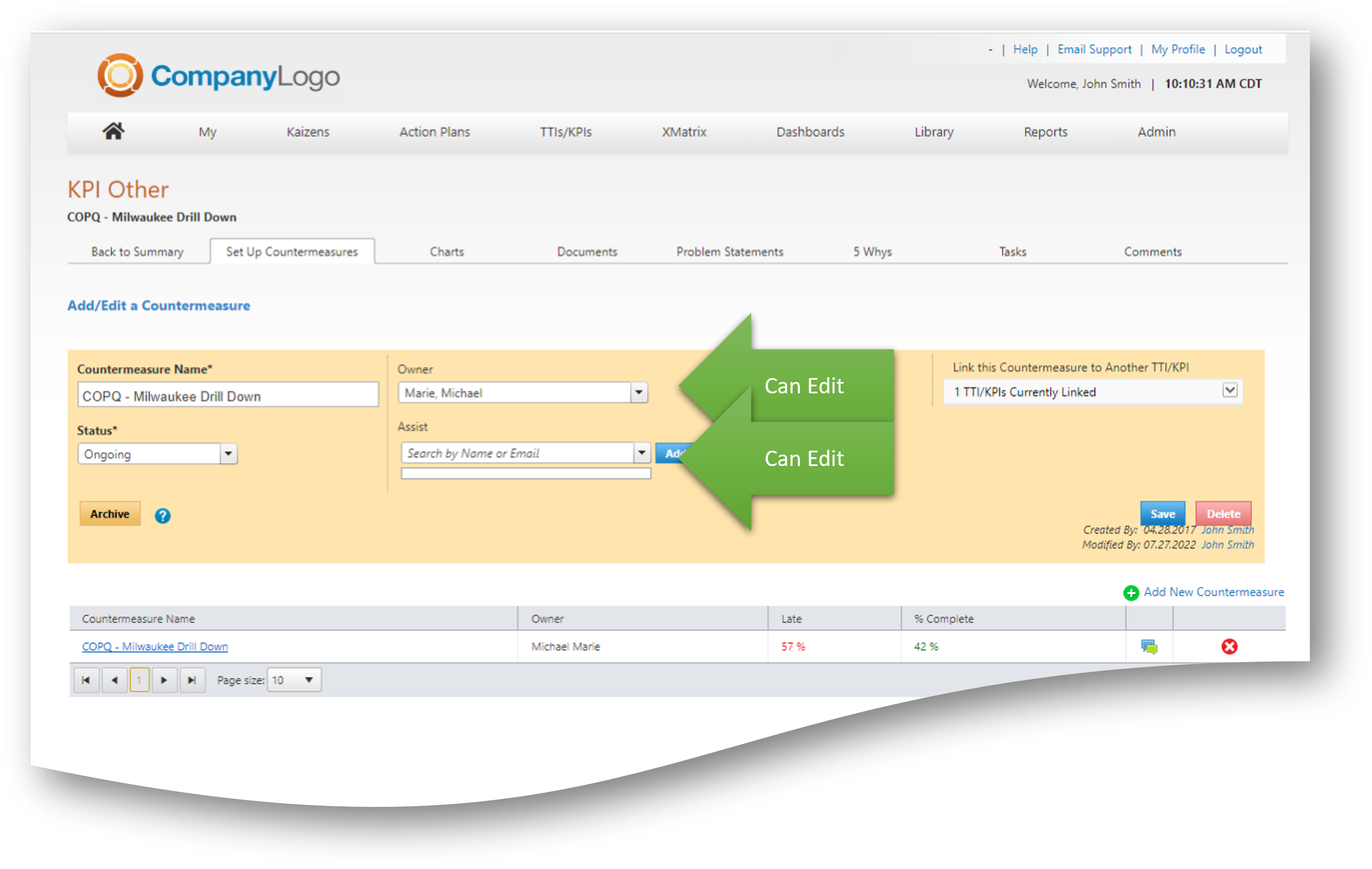
Countermeasure edit permissions are determined by:
|
 |
| XMatrix |
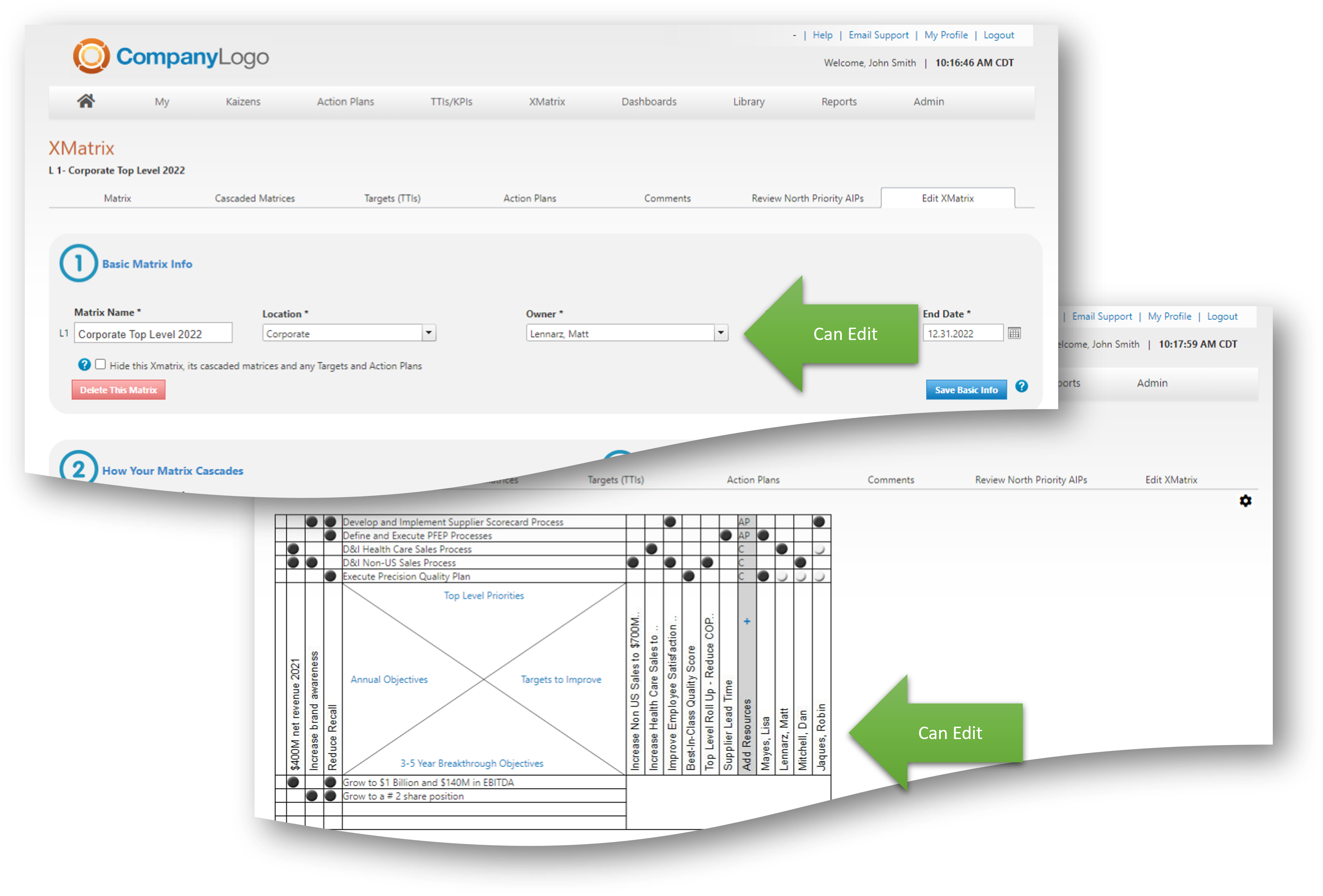
XMatrix Owners and Resources are able to edit the XMatrix they are assigned to.
L1 Owners can be changed via the XMatrix Edit Tab
L2+ Owners are determined by the black dot assignments on the level above. Please contact support@kaizenoptimizer.com for help with making those adjustments.
|
 |
| Kaizen |
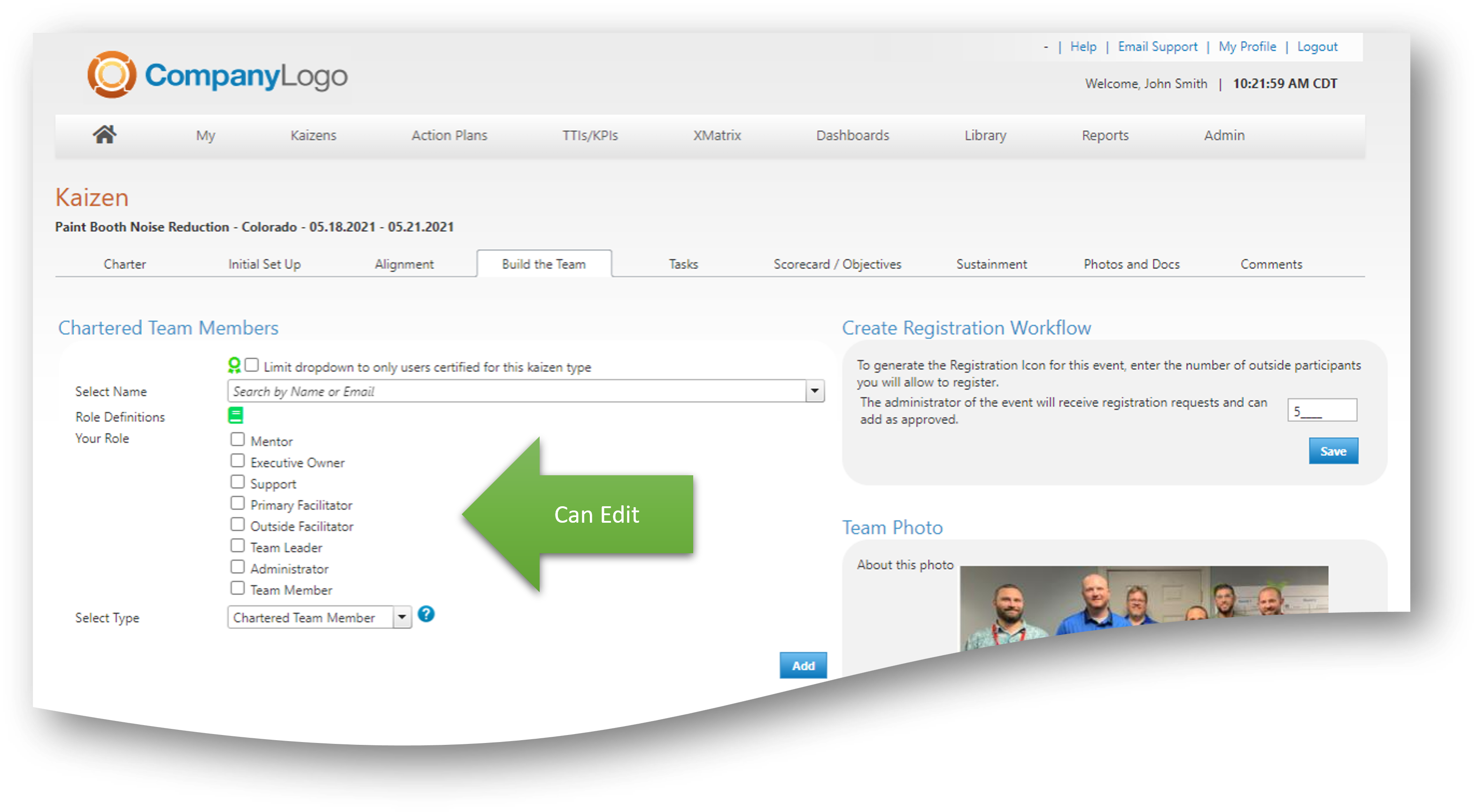
Users added to the Team Tab in the specific roles your organization will have full edit rights to the Kaizen.
Note: Kaizen team roles can be adjusted for more limited or expanded permissions. |
 |
|
Kaizen Task Owners/Assists
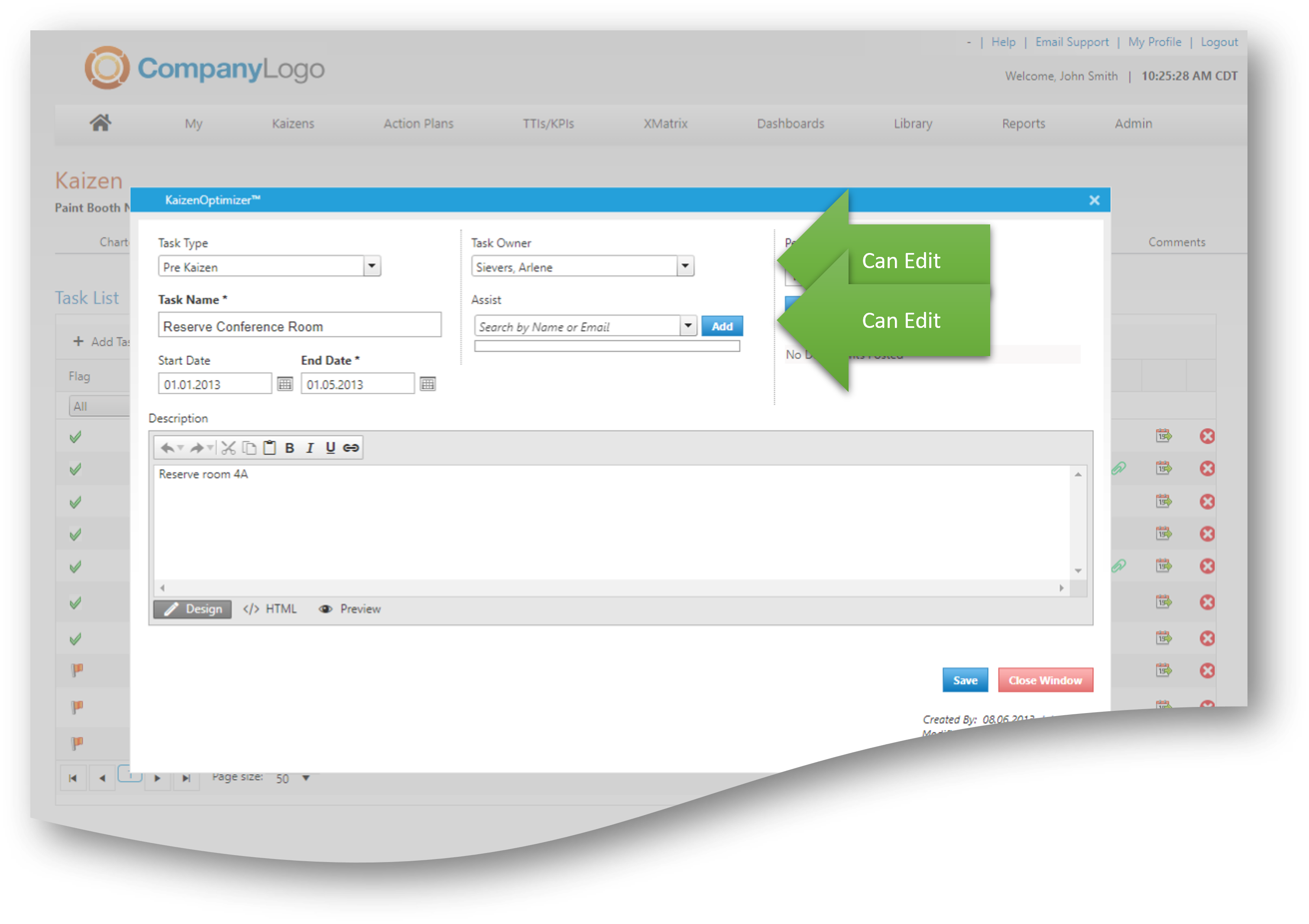
Users who are added to Kaizens as either an owner or assist of a particular task, will be able to update that task ONLY.
Task owners/assists have no additional edit rights other than updating their own tasks. |
 |